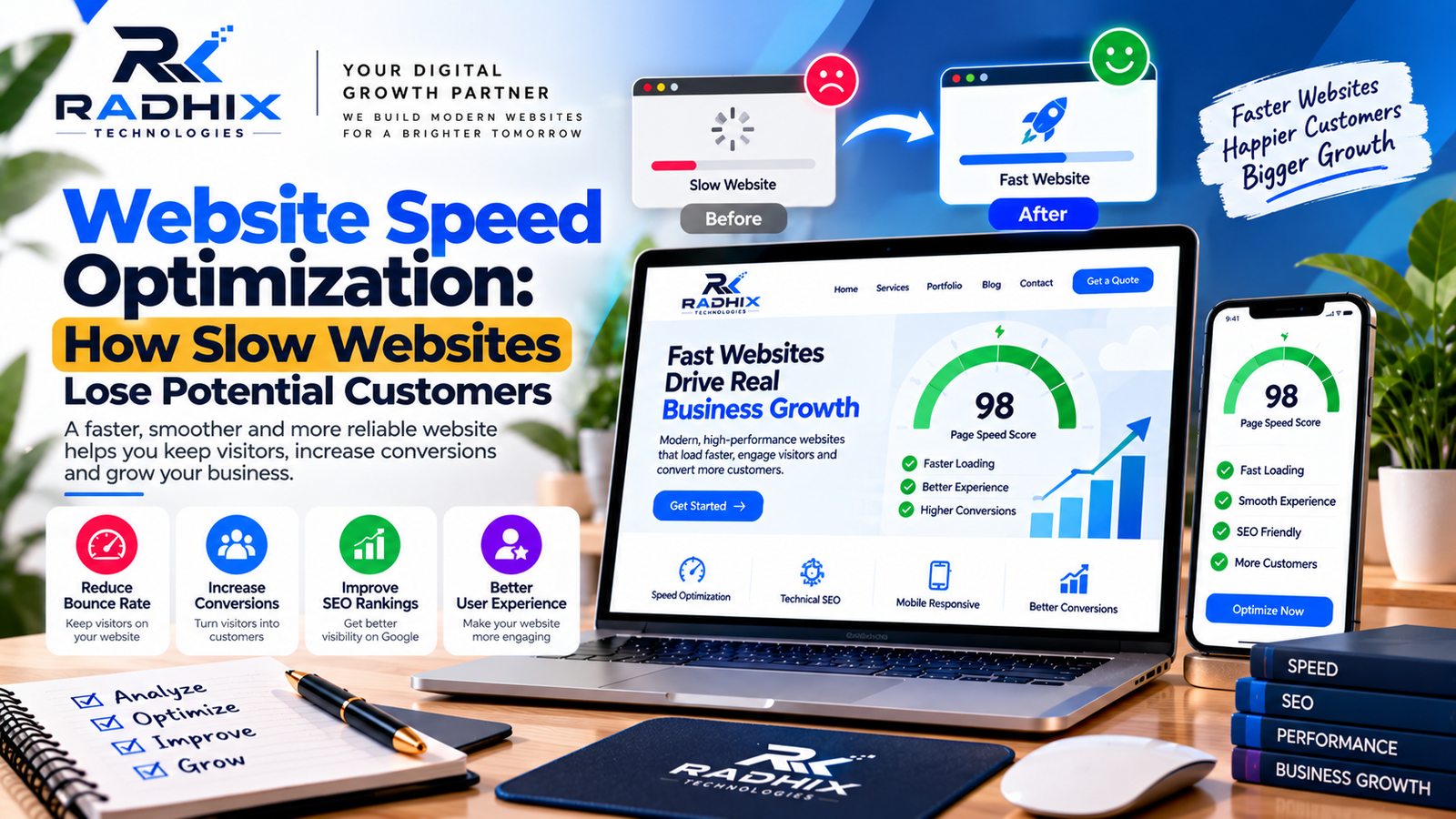
Website Speed Optimization: How Slow Websites Lose Potential Customers
In today's fast-paced digital world, customers expect websites to load quickly and respond smoothly. Whether someone is browsing a service page, comparing products, or trying to submit an enquiry, even a frustrating delay can make the experience less convenient.
For businesses, website speed is more than a technical consideration. It affects how visitors interact with a website, how easily they find information, and whether they complete important actions.
A slow website can contribute to lost enquiries, abandoned shopping carts, and a poor impression of your brand. This is why website speed optimization should be an important part of your digital strategy.
In this guide, Radhix Technologies explains how slow websites affect potential customers, what causes performance problems, and which practical techniques can help improve website loading speed.
What Is Website Speed Optimization?
Website speed optimization is the process of improving how quickly a website loads, displays content, and responds to user interactions.
It involves reviewing multiple elements, including images, code, hosting, caching, database queries, third-party scripts, and the way a website delivers content to visitors.
The goal is not simply to make a page appear faster. A well-optimized website should also remain responsive, stable, and easy to use across mobile devices, desktop computers, and different network conditions.
How Slow Websites Lose Potential Customers
1. Visitors May Leave Before Exploring Your Website
When a website takes too long to display useful information, visitors may become frustrated and leave.
This is particularly important for businesses that depend on online enquiries, product discovery, or appointment bookings. If visitors cannot access the information they need quickly, they may explore another provider instead.
A faster website can make browsing more convenient, although actual visitor behaviour depends on the page content, audience, and purpose.
2. Slow Loading Can Reduce Conversions
A conversion occurs when a visitor completes an important action, such as submitting an enquiry, booking an appointment, requesting a quotation, or purchasing a product.
Slow pages can interrupt this process. Visitors may encounter delayed buttons, forms that respond slowly, or checkout pages that take too long to complete.
Improving page performance can reduce friction in the customer journey. Businesses should measure form submissions, purchases, and other conversions before and after making changes to understand the actual impact.
3. It Can Damage Your Brand's First Impression
Your website often acts as the first digital interaction between your business and a potential customer.
A website that loads slowly, displays content inconsistently, or responds poorly can make the business appear less professional.
For a company offering digital services, a poorly performing website may be especially damaging to customer confidence.
Reliable loading performance, clear navigation, and stable page layouts help create a more polished experience.
4. Mobile Users May Experience Greater Friction
Many customers access business websites through smartphones, sometimes using slower or less reliable network connections.
Large images, unnecessary scripts, and poorly optimized pages can make mobile browsing particularly difficult.
A mobile-friendly website should use appropriately sized images, responsive layouts, efficient code, and accessible buttons and forms.
Test your website on mobile devices as well as desktop computers because performance can vary significantly between devices and network conditions.
5. It Can Affect Search Performance
Website speed and page experience are relevant to search engine optimization, but speed is not the only ranking consideration.
Google uses Core Web Vitals to evaluate aspects of loading performance, interactivity, and visual stability. These measurements include Largest Contentful Paint (LCP), Interaction to Next Paint (INP), and Cumulative Layout Shift (CLS).
Improving performance can support a better user experience, but it does not guarantee higher search rankings. Content relevance, technical SEO, competition, and other factors also influence visibility.
6. E-Commerce Businesses May Lose Sales Opportunities
Online stores rely on smooth browsing, product selection, cart management, and checkout experiences.
If product pages or checkout processes respond slowly, customers may become less willing to complete their purchases.
E-commerce businesses should pay particular attention to product images, filtering tools, cart functionality, payment integrations, and unnecessary third-party scripts.
Measure checkout completion and cart abandonment to identify where performance improvements may be most valuable.
Common Reasons Why Websites Load Slowly
Before optimizing a website, identify the actual causes of its performance problems.
1. Large and Unoptimized Images
High-resolution images can consume significant bandwidth, especially on mobile connections.
Resize images to suit their display dimensions, compress them appropriately, and consider modern formats such as WebP or AVIF.
Use responsive images where appropriate so devices do not unnecessarily download oversized files. Lazy-load suitable below-the-fold images, but avoid delaying the main image that visitors need to see immediately.
2. Too Much JavaScript and CSS
Unnecessary scripts, large style files, and unused code can increase page weight and delay rendering or interaction.
Review which scripts and styles are genuinely needed. Remove unused resources, reduce unnecessary dependencies, and defer non-critical scripts where appropriate.
Changes should be tested carefully because removing or delaying the wrong code can break website functionality.
3. Poor Hosting Performance
Hosting influences how quickly a server can respond to visitor requests.
A low-cost hosting plan may be sufficient for a small website, but a growing website with more traffic or resource-intensive features may need a different configuration.
Review server response times, resource usage, caching support, and traffic patterns before deciding whether to upgrade hosting.
4. Lack of Caching
Without suitable caching, a website may repeatedly generate pages or retrieve the same resources unnecessarily.
Browser caching can allow visitors to reuse eligible resources, while server-side caching can reduce repeated processing for supported pages.
The appropriate caching strategy depends on the website platform, content, and whether pages contain personalized or frequently changing information.
5. Excessive Plugins and Third-Party Tools
Plugins and external tools can add useful functionality, but each may introduce extra code, network requests, or processing overhead.
Review analytics scripts, chat widgets, advertising tags, extensions, and other integrations. Remove tools that are unnecessary and measure the effect of important changes.
Do not assume that every plugin is slow. Test the website to identify which resources actually affect performance.
6. Inefficient Database Queries
Dynamic websites may rely on database queries to retrieve products, articles, user information, or other content.
Poorly optimized queries and unnecessary database requests can increase response times as the website grows.
Developers can investigate slow queries, database indexes, repeated requests, and caching opportunities to identify improvements.
Best Website Speed Optimization Techniques
1. Test Your Website Performance
Start by measuring your website before making changes.
Tools such as Google PageSpeed Insights, Lighthouse, and Chrome DevTools can help identify performance issues and provide recommendations.
Review important pages individually, including the homepage, service pages, blog articles, product pages, and checkout pages where applicable.
2. Improve Core Web Vitals
Core Web Vitals help evaluate the real-world user experience.
The commonly used good-performance thresholds are:
- Largest Contentful Paint (LCP): 2.5 seconds or less.
- Interaction to Next Paint (INP): 200 milliseconds or less.
- Cumulative Layout Shift (CLS): 0.1 or less.
These thresholds are assessed at the 75th percentile of page visits when sufficient real-user data is available. Laboratory tests can help diagnose problems, while field data shows how visitors actually experience the website.
3. Use a Content Delivery Network
A content delivery network (CDN) can serve eligible resources from locations closer to visitors.
This may reduce delivery delays for images, stylesheets, scripts, and other supported content, especially when serving audiences across multiple regions.
CDNs do not automatically solve every performance problem. Server processing, code efficiency, and page design still matter.
4. Optimize Fonts and Visual Elements
Large font files, excessive font variations, animations, and complex visual effects can affect loading and rendering.
Use only the font weights you need, optimize font delivery, and avoid unnecessary animations.
Specify image dimensions and reserve space for dynamic content to reduce unexpected layout movement.
5. Reduce Unnecessary Network Requests
Each request can add overhead, especially on slower connections.
Review the resources loaded by each page and remove redundant scripts, unnecessary embeds, and duplicate libraries.
Where appropriate, combine or optimize resources, while recognizing that modern delivery systems may benefit from smaller files and efficient caching rather than indiscriminate file combining.
6. Keep Your Website Platform Updated
Website platforms, themes, plugins, and libraries may introduce performance improvements and important fixes through updates.
Maintain a reliable update process, test changes before deploying them to a live website, and keep backups available.
For custom applications, developers should also review dependencies, server configuration, and code performance.
How to Measure the Results of Speed Optimization
After implementing changes, test the same pages again under comparable conditions.
Track metrics such as:
- Page loading and rendering performance.
- Server response time.
- Core Web Vitals.
- Mobile and desktop performance.
- Enquiry form completion rates.
- E-commerce conversion rates.
- Errors or broken functionality after updates.
Repeat testing across important pages and devices. A single score does not represent every visitor's experience, and performance may vary according to traffic, device, network, and third-party services.
Why Website Speed Matters for Businesses in India
Businesses in India serve customers using a wide range of smartphones, browsers, and network conditions.
For local service providers, manufacturers, online retailers, and professional companies, an efficient website can make it easier for customers to discover services, view products, and submit enquiries.
Businesses serving Faridabad, Delhi NCR, and other markets should test website performance under realistic conditions rather than relying only on high-speed office connections.
Website speed should be considered alongside useful content, mobile usability, secure connections, and a clear customer journey.
Why Consider Radhix Technologies for Website Optimization?
Radhix Technologies helps businesses explore website development and optimization solutions aligned with their digital goals.
Depending on your website's requirements, optimization work may include a performance audit, image compression, code improvements, caching configuration, responsive design enhancements, technical SEO checks, and testing.
Before beginning, identify the pages that matter most to your business, agree on the scope of work, and define measurable performance goals.
A structured approach helps prioritize meaningful improvements instead of making unnecessary changes based on a single performance score.
Conclusion
Website speed optimization is an important part of providing a reliable digital experience.
Slow loading can frustrate visitors, make online tasks harder, and create barriers to enquiries or purchases. By identifying performance bottlenecks, optimizing images and code, reviewing hosting, and measuring Core Web Vitals, businesses can make their websites more efficient.
The best results come from continuous measurement and targeted improvements rather than chasing a perfect score.
Want to improve your website's performance? Contact Radhix Technologies to discuss website speed optimization and development solutions suited to your business needs.
Frequently Asked Questions
1. What is a good website loading speed?
A useful goal is to display the main page content quickly and provide responsive interactions. Google's good Core Web Vitals thresholds include LCP of 2.5 seconds or less, INP of 200 milliseconds or less, and CLS of 0.1 or less at the 75th percentile.
2. Does website speed affect SEO?
Page experience and Core Web Vitals are part of Google's ranking systems, but speed is only one consideration. Relevant, helpful content and overall search quality remain important.
3. How can I check my website speed?
Use Google PageSpeed Insights, Lighthouse, or Chrome DevTools. Check important pages on mobile and desktop, and review real-user data where available.
4. Can images make a website slow?
Yes. Large images can increase download size and delay rendering. Resize and compress images, use suitable formats, and deliver responsive image sizes.
5. Does upgrading hosting make a website faster?
It can help when server resources or response times are a bottleneck. However, inefficient code, oversized images, and unnecessary scripts may still require optimization.
6. How often should I test website speed?
Test after major design, code, plugin, hosting, or integration changes. Periodic checks can also help identify performance regressions as your website evolves.
7. How much does website speed optimization cost in India?
Costs depend on the platform, severity of the issues, traffic, and the amount of development required. Request a technical audit and a scoped quotation before beginning work.